apollo

The agent that sits on your computer.

Short setup. Several instances. A simple chat, or the full app.

mac linux tsc.hk

01

Leave it open. Come back to the same conversation.

Where you already work

Apollo is an app on your computer. The thread stays there, not in a browser.

A short setup

Connect a model, choose a folder, set the rules, and send one message to see it work.

Quiet, or the whole app

Stay in the chat. Or open your instances, tools, and a record of what happened. Switch whenever you like.
02

Four screens, and you are in.

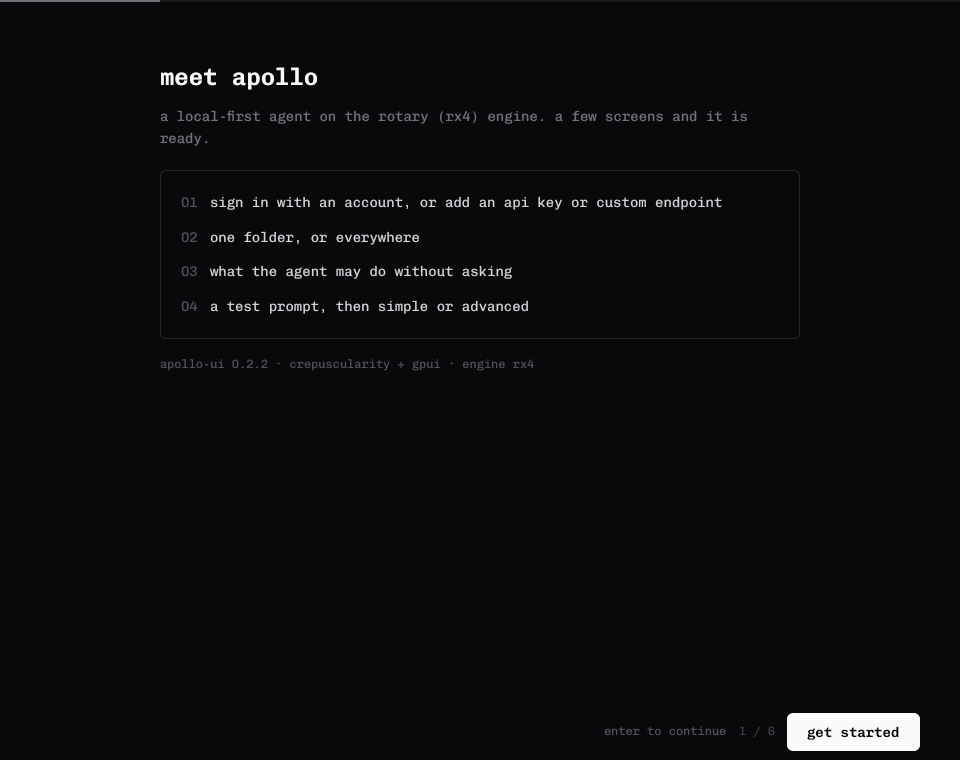
  1. 01Connect a model. Sign in, or paste a key you already have.
  2. 02Point it somewhere. One folder, or the whole computer.
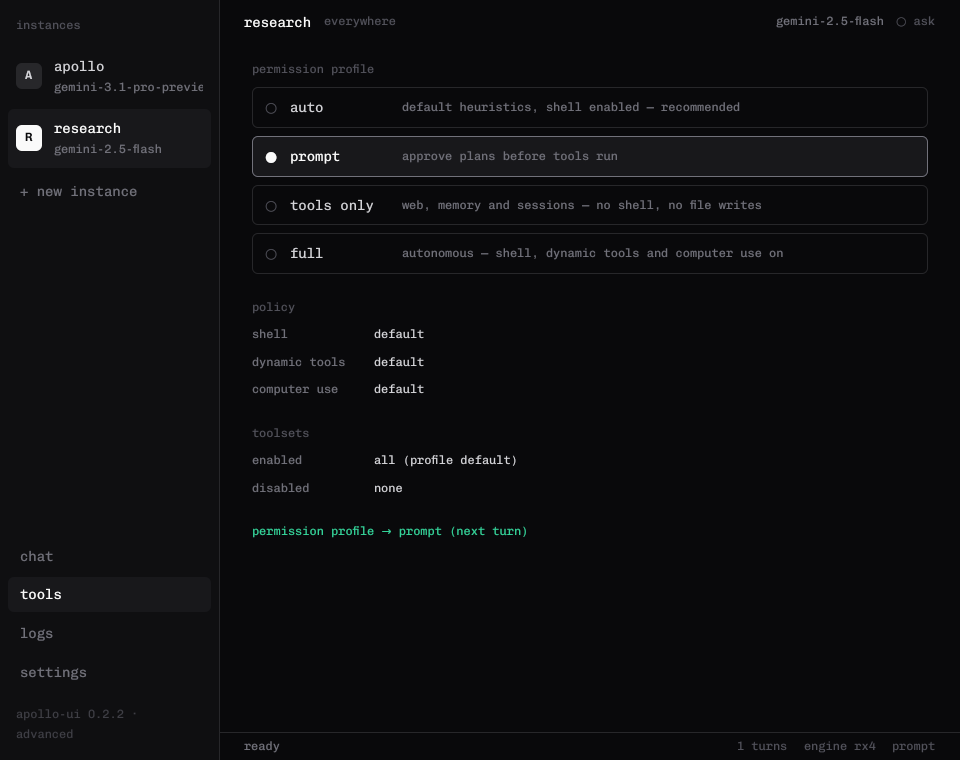
  3. 03Set the rules. Say what it may do before it asks.
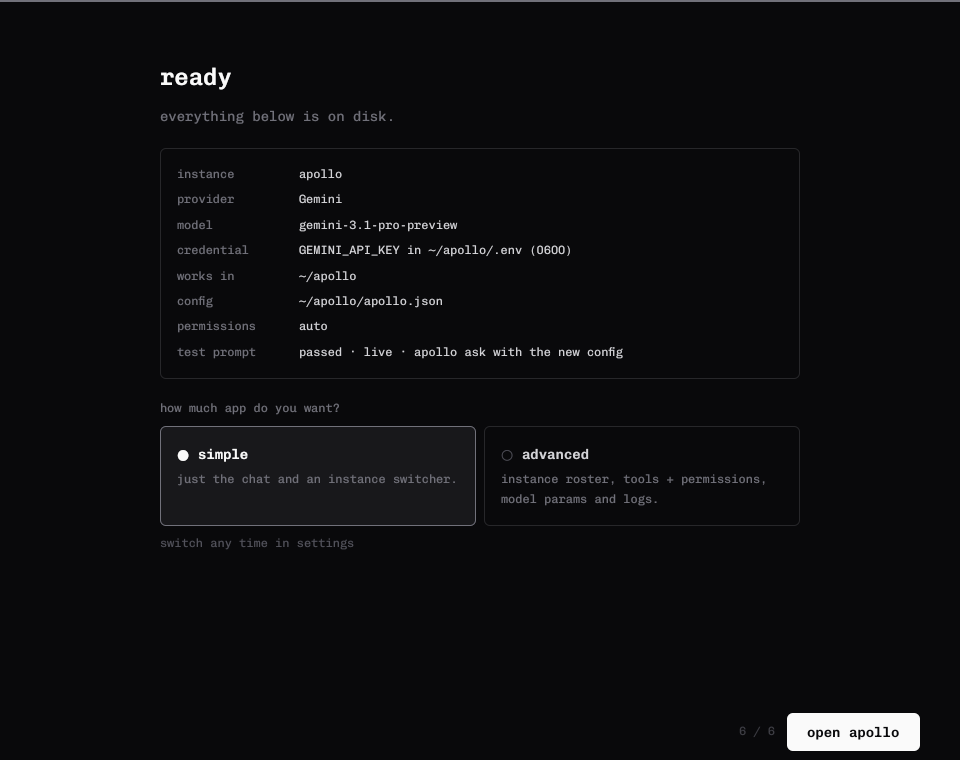
  4. 04Try one message. Then choose simple or advanced.
Apollo welcome screen with four setup steps and a get started button
welcomea few screens, then you are in
03

Chat when you want quiet. Open the rest when you don't.

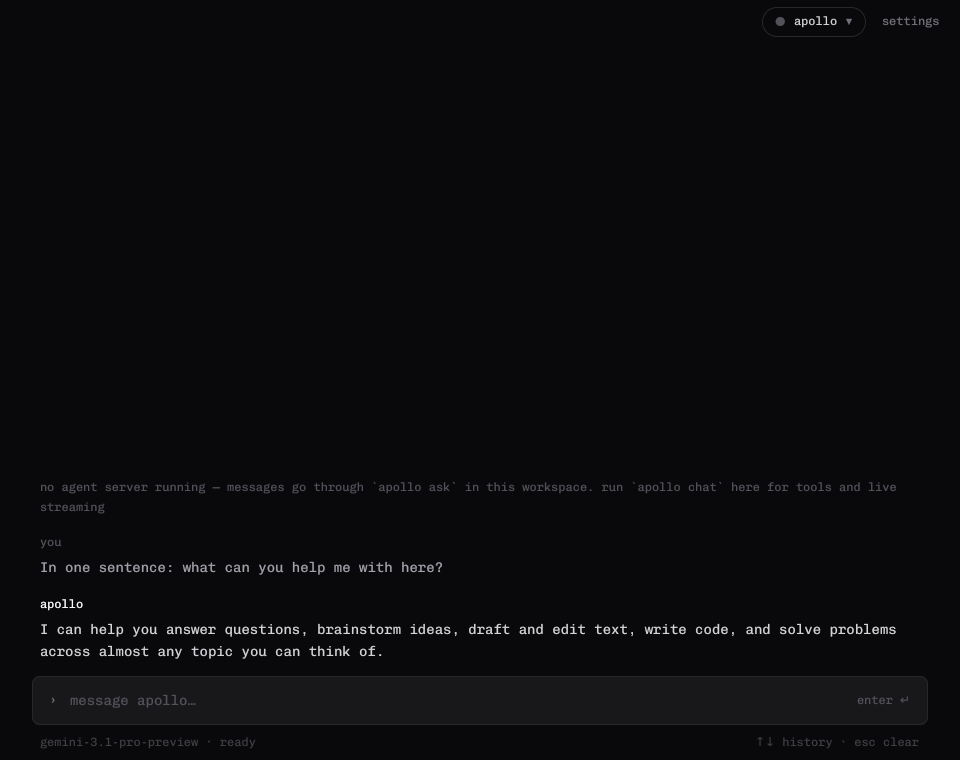
Simple mode: a conversation with the instance switcher and settings
simplethe conversation
Setup complete, choosing simple or advanced
your choicesimple or advanced
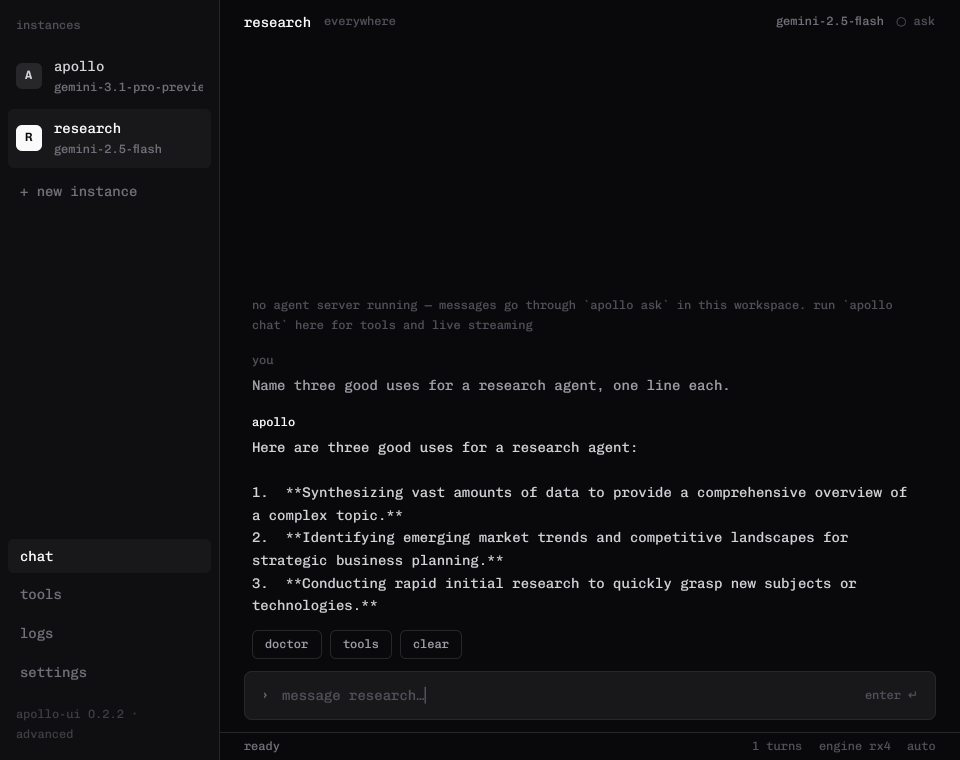
Advanced mode with a list of instances beside the conversation
advancedinstances on the left, the conversation in the middle
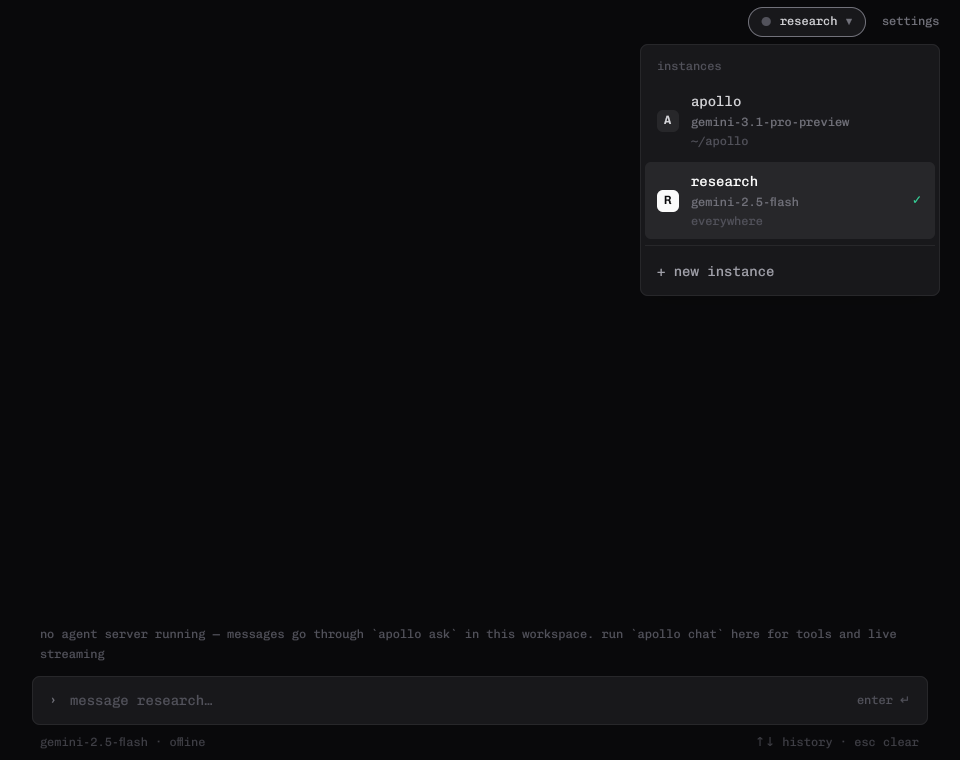
Switching between two named instances, Apollo and Research
instancesmore than one agent, each with its own model
Choosing how much the agent can do before it asks you
permissionsyou decide when it should ask
04

Mac and Linux. Then the conversation.

Get Apollo

Install the latest release, open Apollo, and the setup is waiting.

Get the release

What is inside

More than one instance, each with its own model. A simple chat, and an advanced view when you want tools and history.

Source · tsc.hk